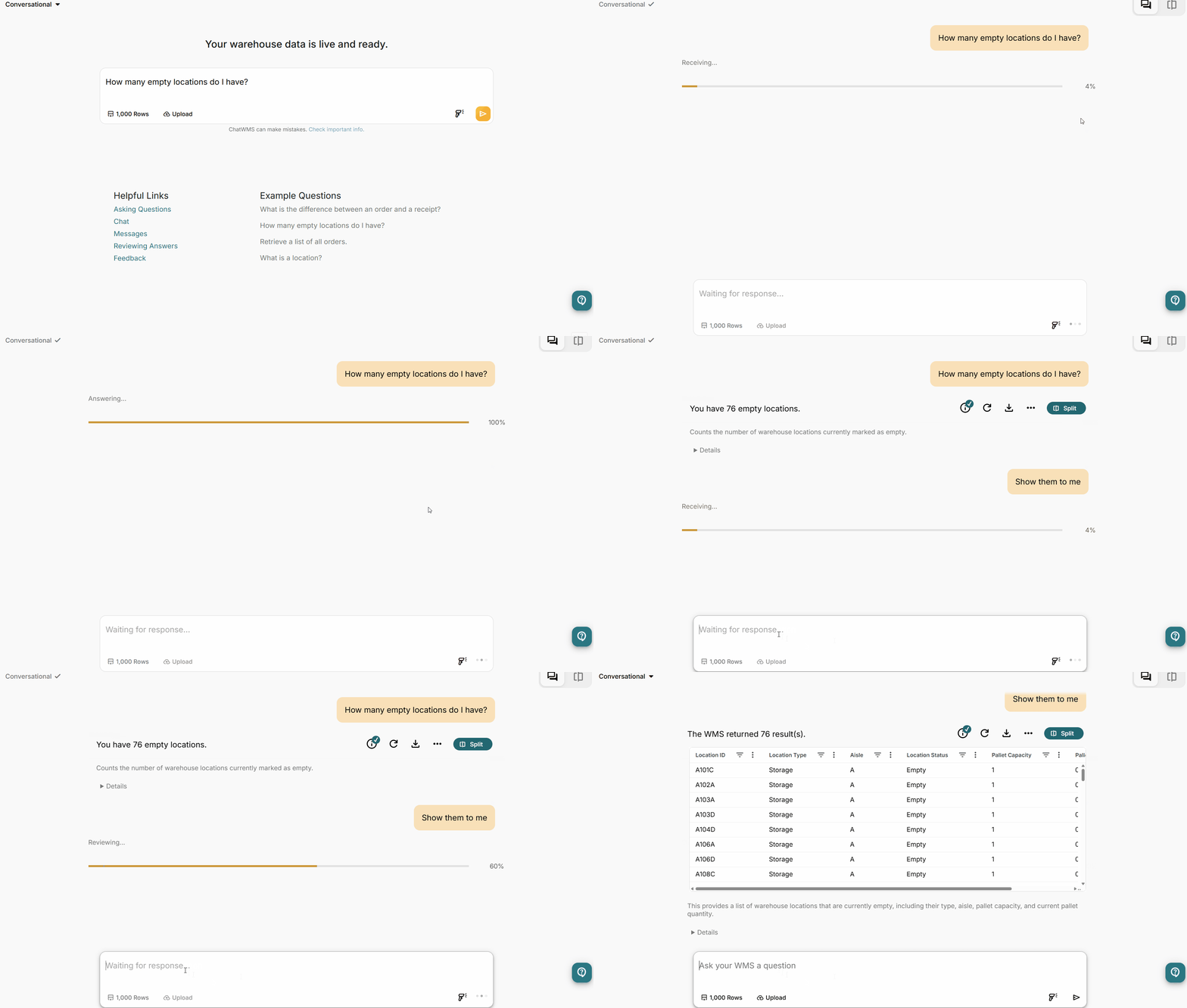
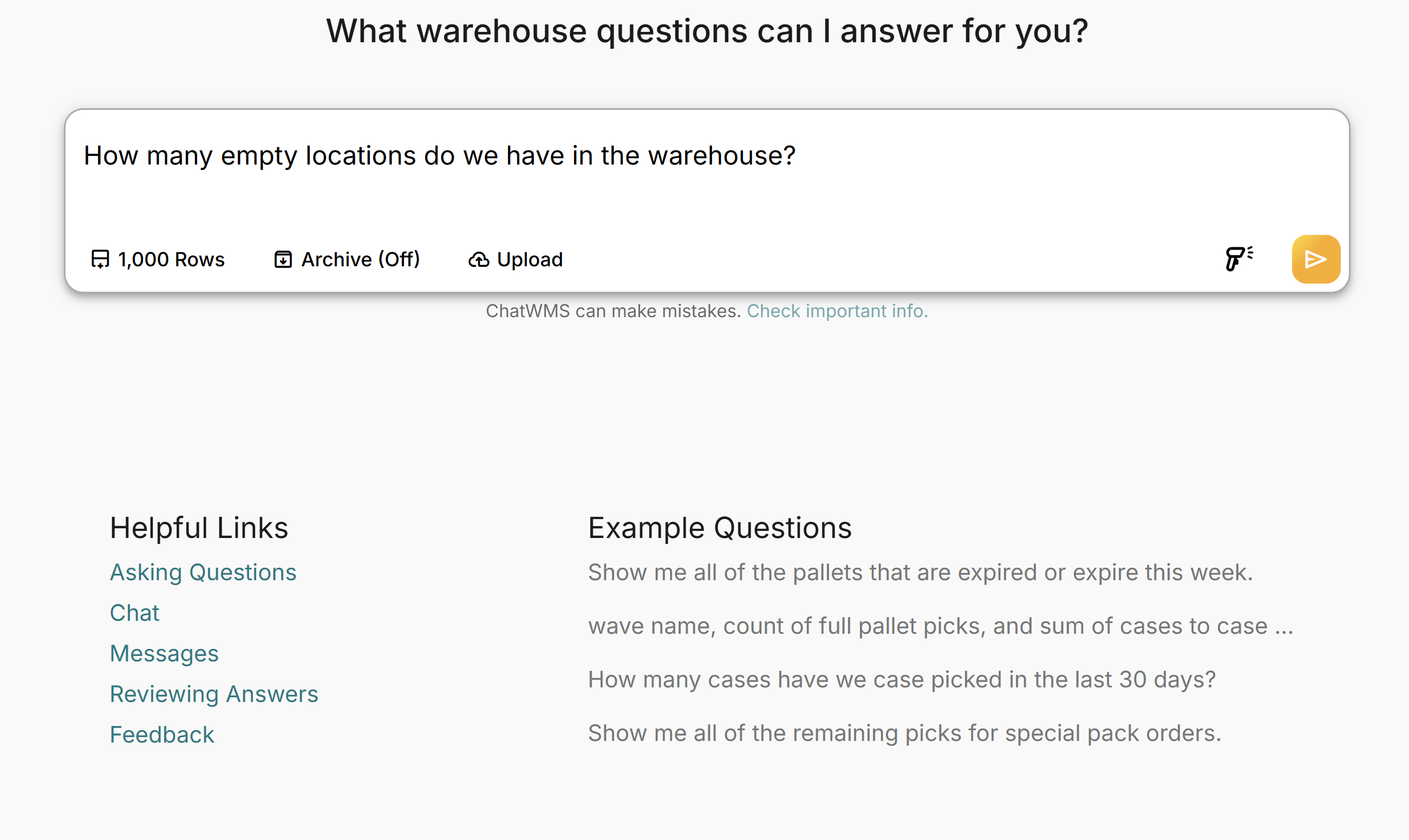
Ask in natural language
Users can ask questions the way they normally would, without knowing report names, table structures, or SQL.
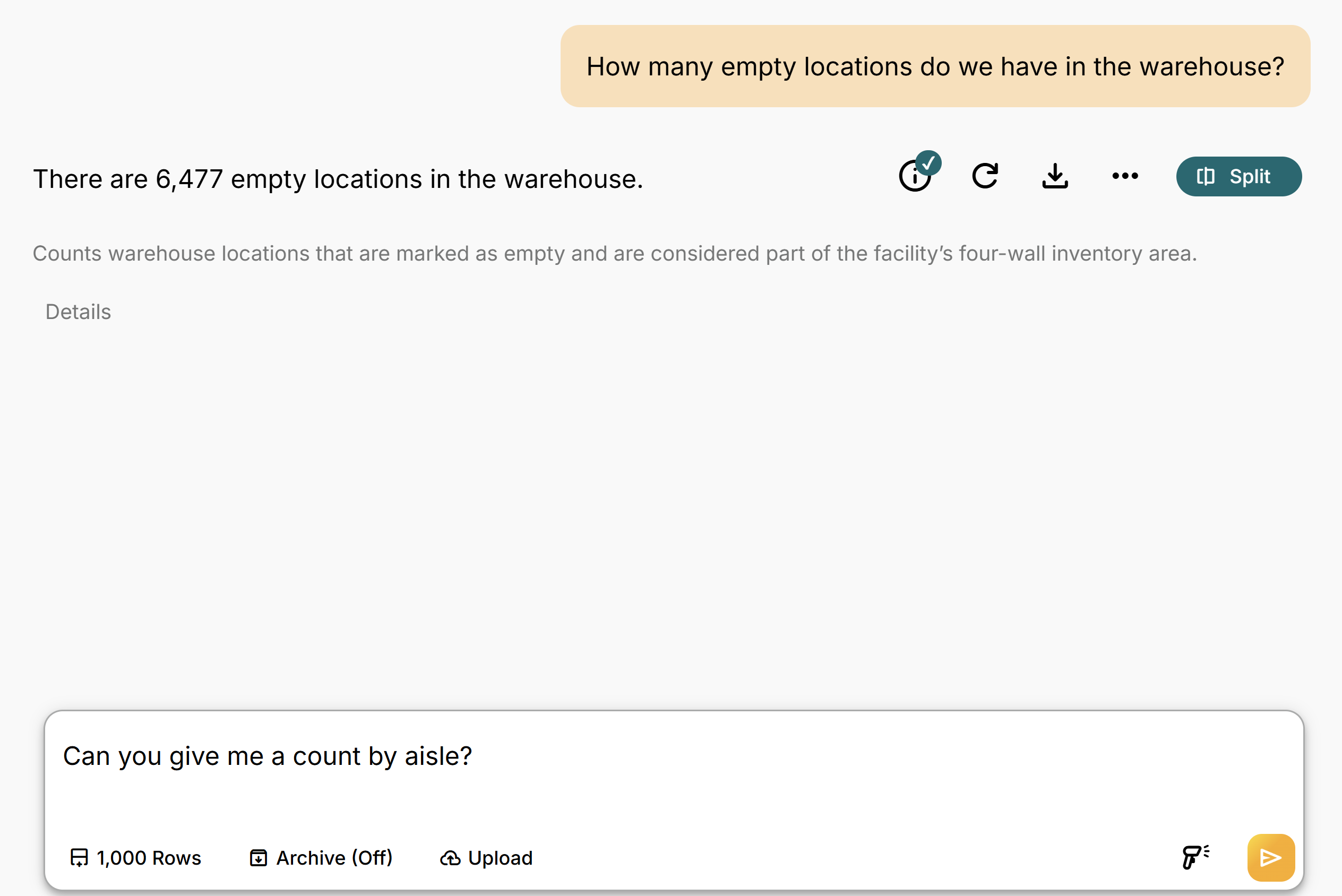
Keep the conversation going
Ask follow-up questions without starting over. ChatWMS carries the context forward so users can drill deeper into an issue.
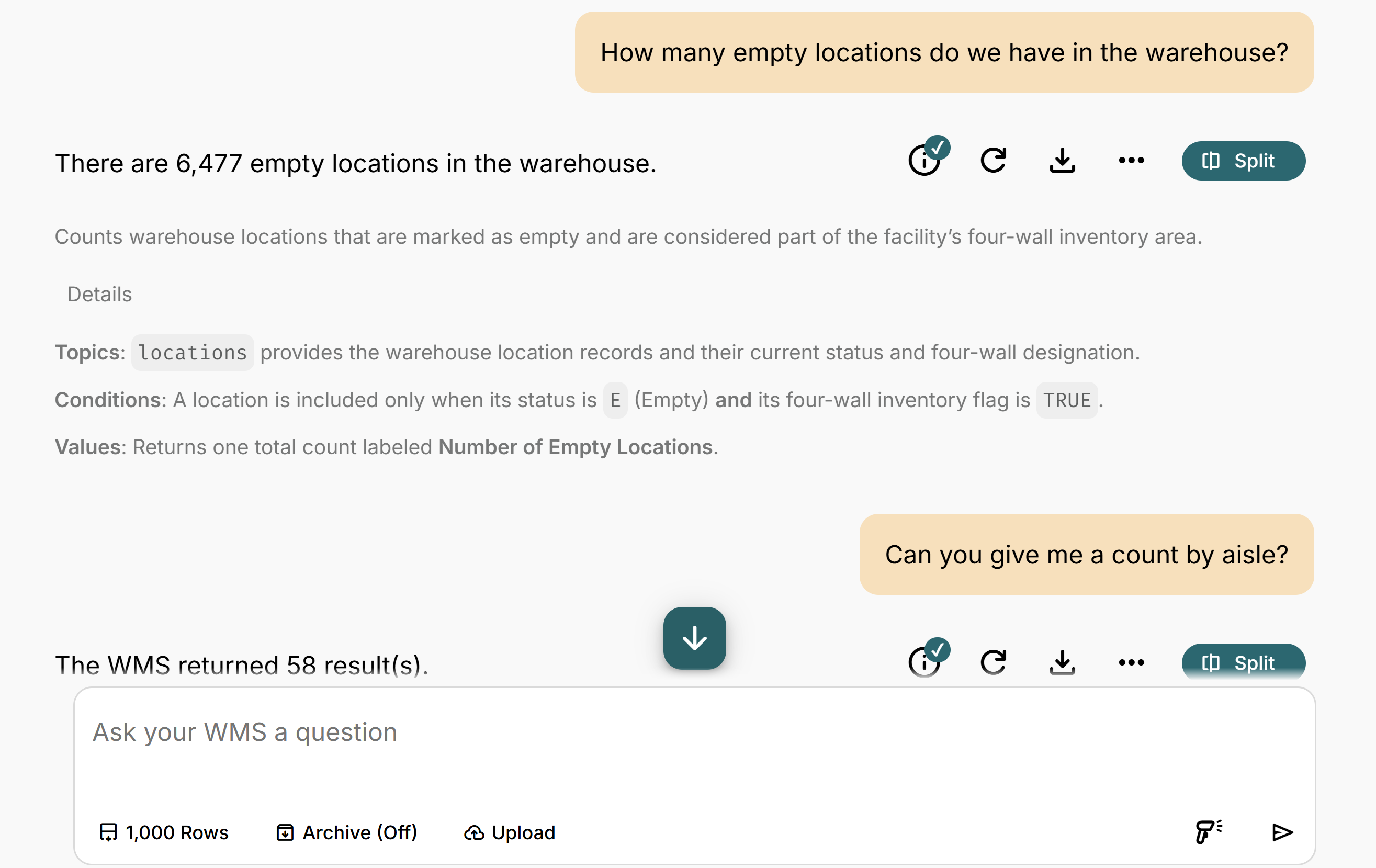
See how the answer was built
ChatWMS can surface the underlying SQL, supporting detail, and confidence information so users can better understand and validate the response.
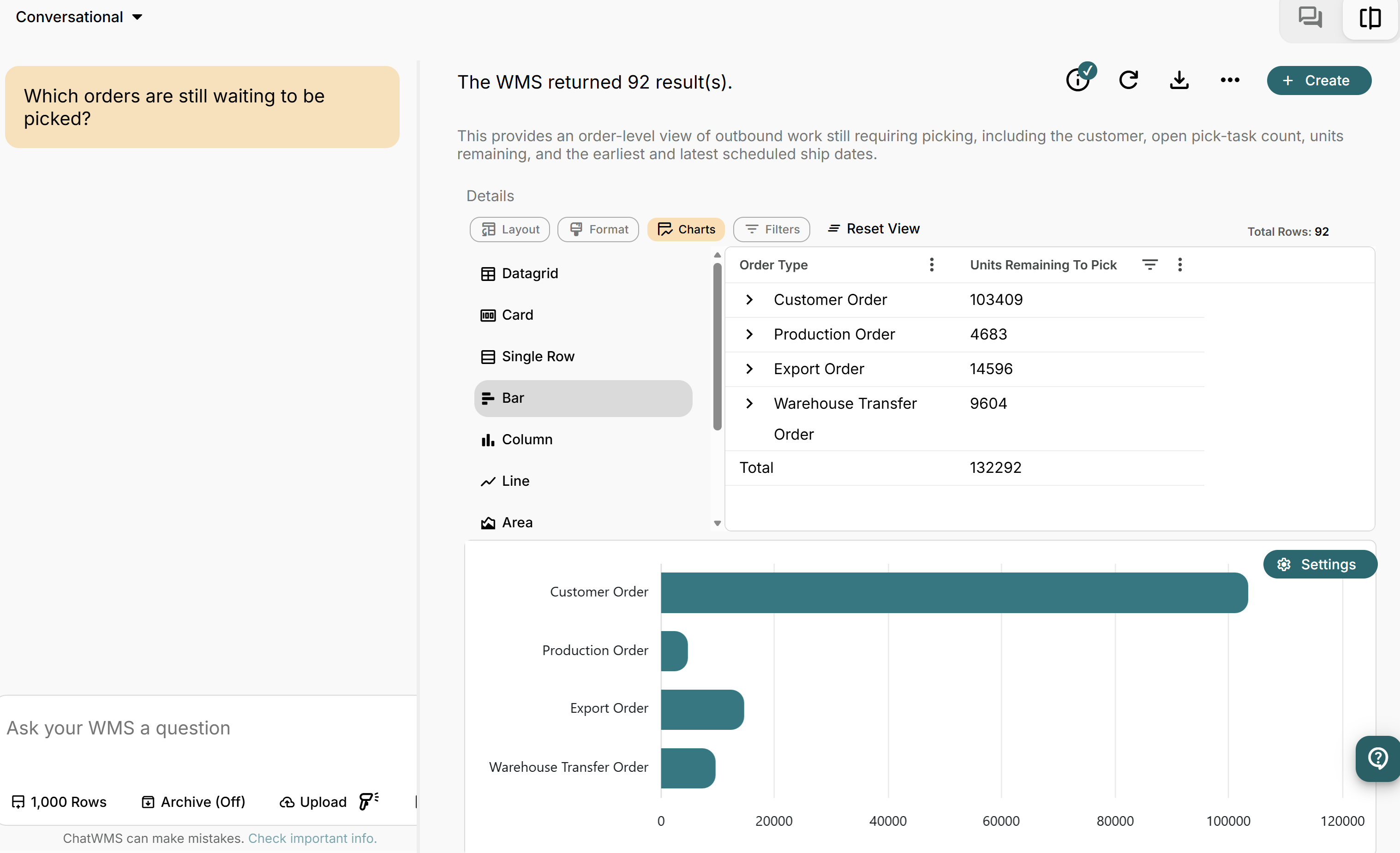
Turn answers into visuals
ChatWMS can present query results in charts, tables, and other easy-to-understand formats, helping operations teams move from a question to a clearer view of what the data is telling them.
-
Which orders are still waiting to be picked?
-
Which work types took the longest yesterday?
-
How many units did we receive yesterday?
-
How many empty locations do I have?
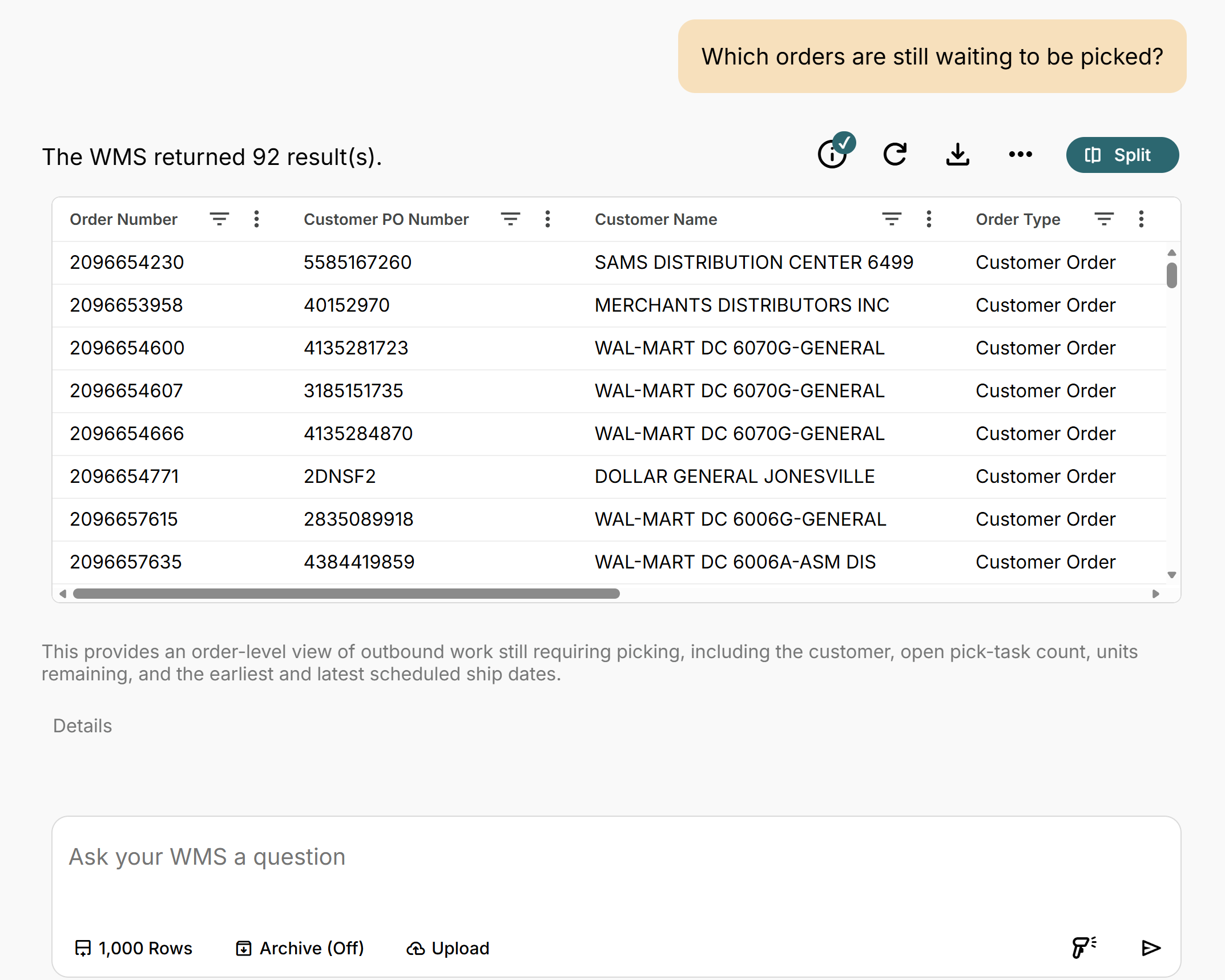
Identify open work before it becomes a problem.
ChatWMS can surface orders that are still waiting to be picked and help operations teams quickly understand where work is backing up. Instead of searching through multiple WMS screens or reports, supervisors can ask the question directly and move immediately into the detail.
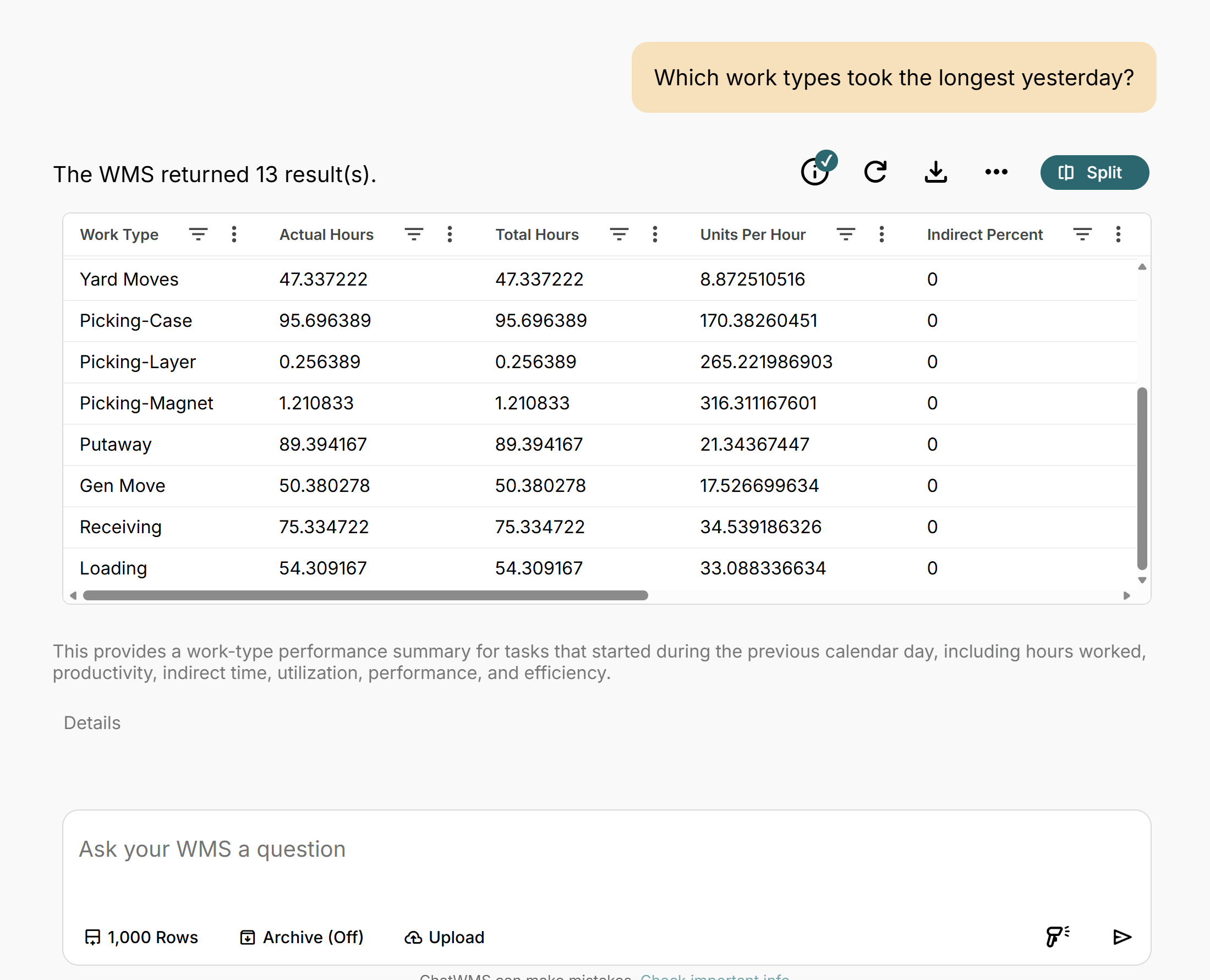
Find where operational time is being spent.
ChatWMS can compare work activity and highlight the work types consuming the most time. That gives managers a faster starting point for investigating bottlenecks, process issues, or areas that may need additional attention.
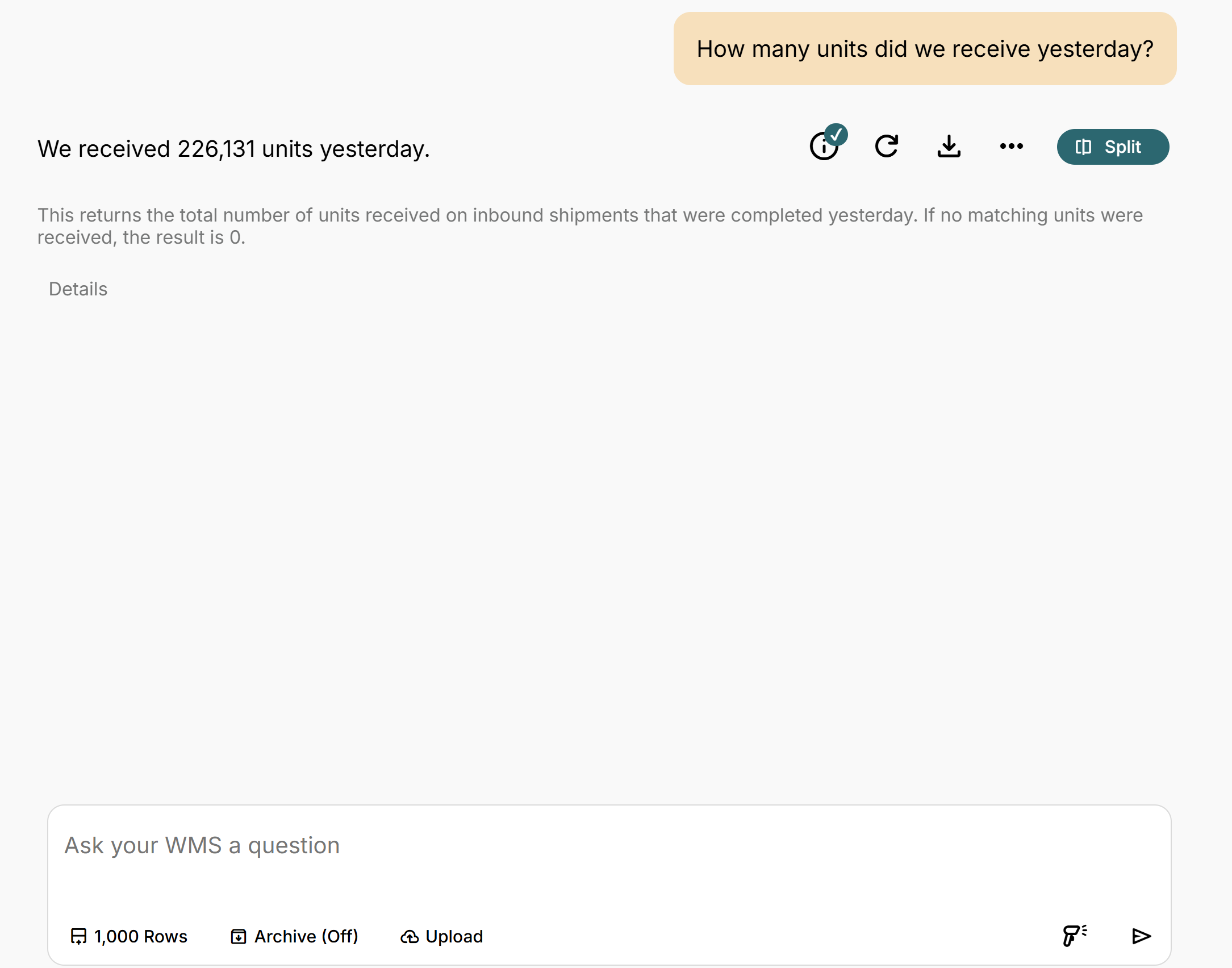
Understand inbound volume without running a report.
ChatWMS can summarize inbound volume for a specific period without requiring an export or predefined report. Operations teams can quickly understand throughput and then ask follow-up questions to investigate further.
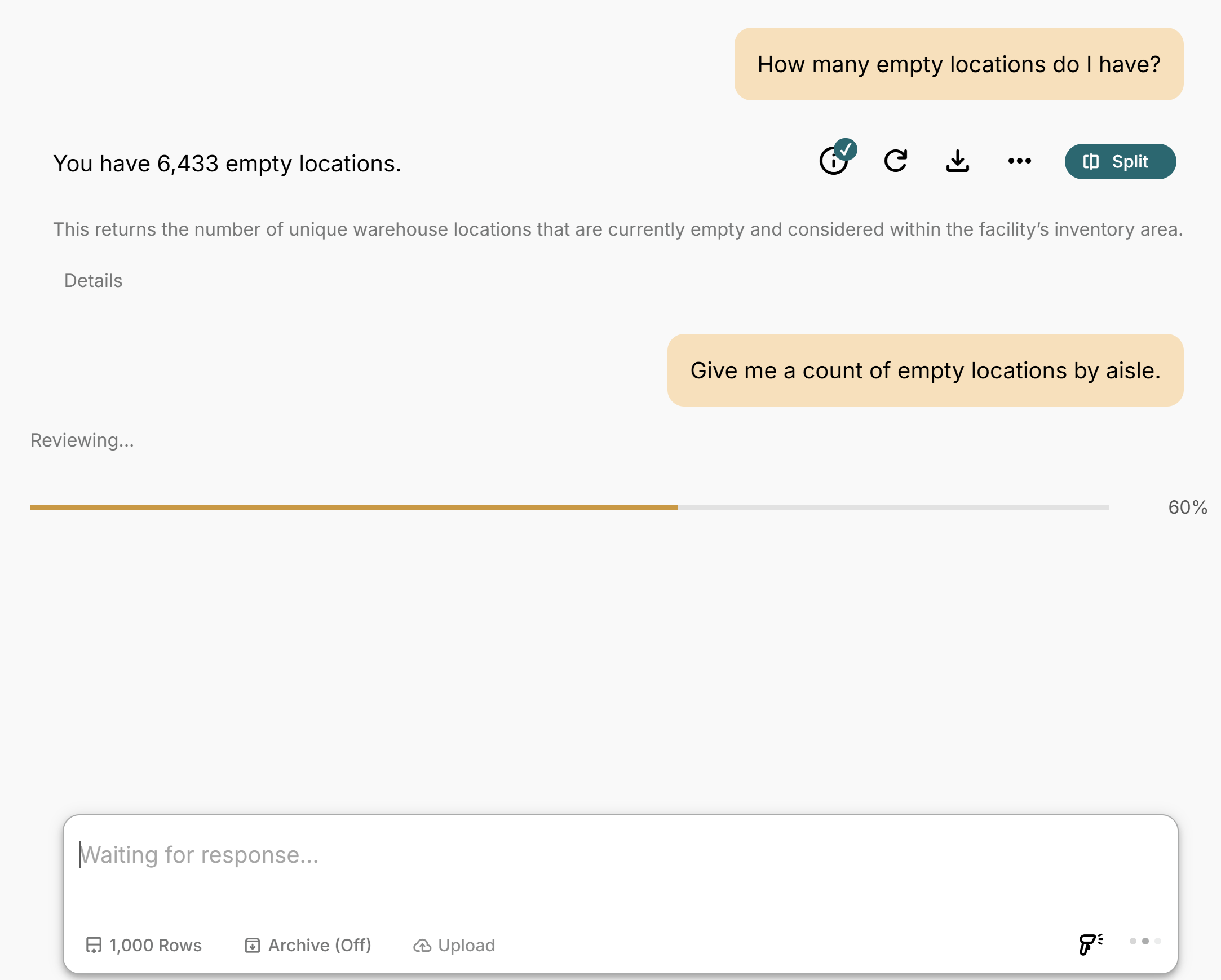
Start with the answer. Then keep digging.
ChatWMS keeps the context of the conversation, so users can move from a high-level question into the detail behind it without starting over. In this example, the user can go from total empty locations to understanding where that available capacity actually exists.